Power Dragon App Download: Android APK Install for Philippines Users
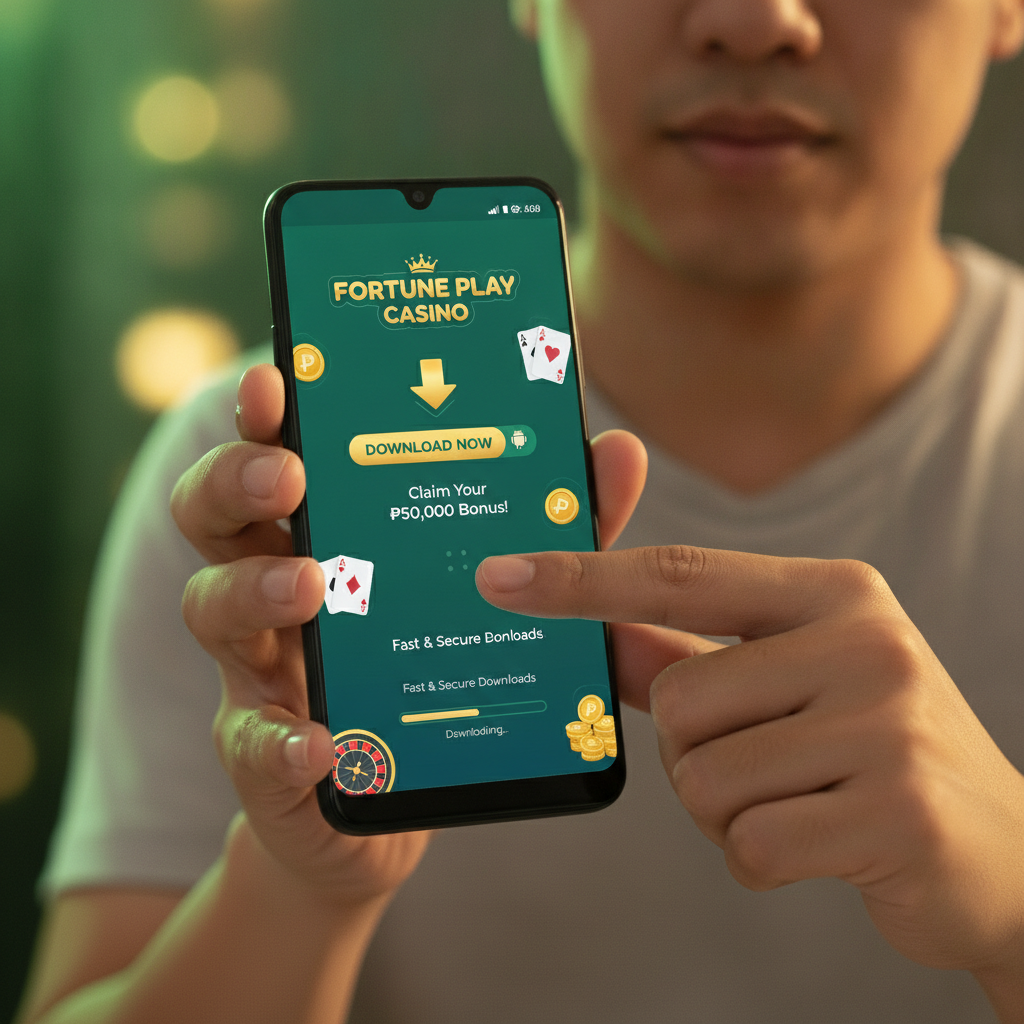
Where to Find the Official Power Dragon APK File
Power Dragon does not distribute its casino and sportsbook app through the Google Play Store. Philippine players need to download the Android APK directly from the Power Dragon website.
Open your mobile browser—Chrome, Firefox, or Safari—and navigate to the official Power Dragon site. Look for a Download or Mobile App button, usually visible in the top menu or footer. Tap it, and the site will detect you are on an Android device and offer the APK file.
Do not download Power Dragon APK files from third-party app stores, Facebook groups, or file-sharing sites. Unofficial copies may be outdated, modified, or unsafe. The operator's website is the only legitimate source.
When you tap the download button, your browser may warn you that APK files can harm your device. This is a standard Android security message for any app installed outside the Play Store. As long as you are on the real Power Dragon domain, you can proceed.
The APK file will save to your Downloads folder. You will see a notification once the download finishes, typically within 30 seconds to two minutes depending on your connection.
Step-by-Step Android Installation
Installing the Power Dragon app requires you to allow installation from unknown sources. Android blocks this by default to prevent accidental installs of harmful software.
Enable Unknown Sources
- Open your phone's Settings app.
- Navigate to Security or Privacy (the exact label varies by Android version and manufacturer).
- Find Install unknown apps or Unknown sources.
- Select your browser (Chrome, Firefox, etc.) from the list.
- Toggle on Allow from this source.
On some devices running older Android versions, you may see a single "Unknown sources" switch instead of per-app controls. Turn that on, then remember to turn it off again after installation if you prefer stricter security.
Install the APK
- Open your Downloads folder using the Files app or pull down the notification shade and tap the completed download.
- Tap the Power Dragon APK file.
- A prompt will ask, "Do you want to install this application?" Tap Install.
- Wait 10 to 30 seconds while Android extracts and installs the app.
- When you see "App installed," tap Open to launch Power Dragon immediately, or tap Done and find the icon on your home screen or app drawer.
Open and Log In
The first time you open the Power Dragon app, it will load the casino lobby. If you already have a Power Dragon account, tap Login and enter your username and password. The app will remember your credentials for future sessions unless you log out manually.
If you are new, you will need to register on the Power Dragon website first. This guide does not cover registration steps—sibling sites provide that walkthrough.
App Size, Android Version Requirements, and Data Usage
File Size
The Power Dragon APK download is approximately 90 to 120 MB. The installed app occupies 150 to 200 MB on your device, including cached images and game assets. Make sure you have at least 250 MB of free storage before installing.
If your phone is low on space, delete unused apps or move photos to cloud storage. A full storage drive will prevent installation or cause the app to crash during use.
Android Version
Power Dragon requires Android 5.0 (Lollipop) or newer. Most smartphones sold in the Philippines since 2016 meet this requirement. If you have an older device still running Android 4.4 or earlier, the APK will not install, or the app will not open.
To check your Android version:
- Open Settings.
- Scroll to About phone or System.
- Look for Android version.
If your phone is too old, consider upgrading or using the mobile web version of Power Dragon in your browser instead. The mobile site supports slots, live dealer, sports betting, and deposits through GCash and Maya, though the interface is less streamlined than the app.
Data Usage
Power Dragon is a live-casino and sportsbook app that streams video and loads game graphics in real time. Expect the following data consumption:
- Slots and bingo: 10 to 30 MB per hour
- Live dealer tables: 100 to 200 MB per hour
- Sports betting: 5 to 15 MB per hour (higher during live in-play betting with video streams)
- App updates: 50 to 100 MB per update
If you are on a limited mobile data plan, connect to Wi-Fi before opening the app. Most Filipino players use home Wi-Fi or public hotspots to avoid burning through mobile data, especially when playing live baccarat or blackjack.
How to Update the Power Dragon App When a New Version Is Released
Because the Power Dragon app is not on the Play Store, it will not update automatically. You must download and install each new version manually.
Check for Updates
Power Dragon typically notifies users of app updates in two ways:
- In-app banner: When you open an outdated version, a pop-up or banner appears with a link to download the latest APK.
- Website announcement: The operator posts update notices on the homepage or in the mobile app section.
You can also visit the Power Dragon site periodically and tap the Download or App button. If a newer version is available, the site will offer it.
Install the Update
- Download the new APK file using the same steps described earlier.
- Tap the downloaded file and select Install.
- Android will recognize that Power Dragon is already on your device and replace the old version. You do not need to uninstall the existing app first.
- Your login credentials, transaction history, and app settings carry over automatically.
The update process usually takes under a minute. You may need to log in again if the new version includes security improvements.
Why Updates Matter
New app versions fix bugs, improve payment processing, add games, and patch security vulnerabilities. Running an outdated APK may cause:
- Failed GCash or Maya deposits
- Login errors or "session expired" loops
- Missing game titles or broken live dealer streams
- Slower withdrawal processing
Set a reminder to check for updates every two to four weeks, or bookmark the Power Dragon mobile-app page for quick access.
21+ Only, Play Responsibly
Power Dragon is restricted to players aged 21 and older. Online gambling involves real money and the risk of loss. Never deposit more than you can afford to lose, and never chase losses by increasing your bet size or depositing additional funds impulsively.
If you feel you are losing control, use the responsible-gambling tools available in your Power Dragon account settings—deposit limits, session reminders, or self-exclusion. You can also contact Philippine support organizations for confidential help.
The Power Dragon app makes it easy to play slots, live dealer, and sports betting from your Android phone, but convenience also means it is easier to spend more than planned. Set a budget before you log in, stick to it, and take breaks.
This is an independent guide. Power Dragon is a separate operator, and this site does not process bets, deposits, or withdrawals. For account, bonus, or payment questions, contact Power Dragon customer support directly through live chat or email.