Power Dragon GCash Withdrawal: Step-by-Step Cashout Guide for Filipino Players
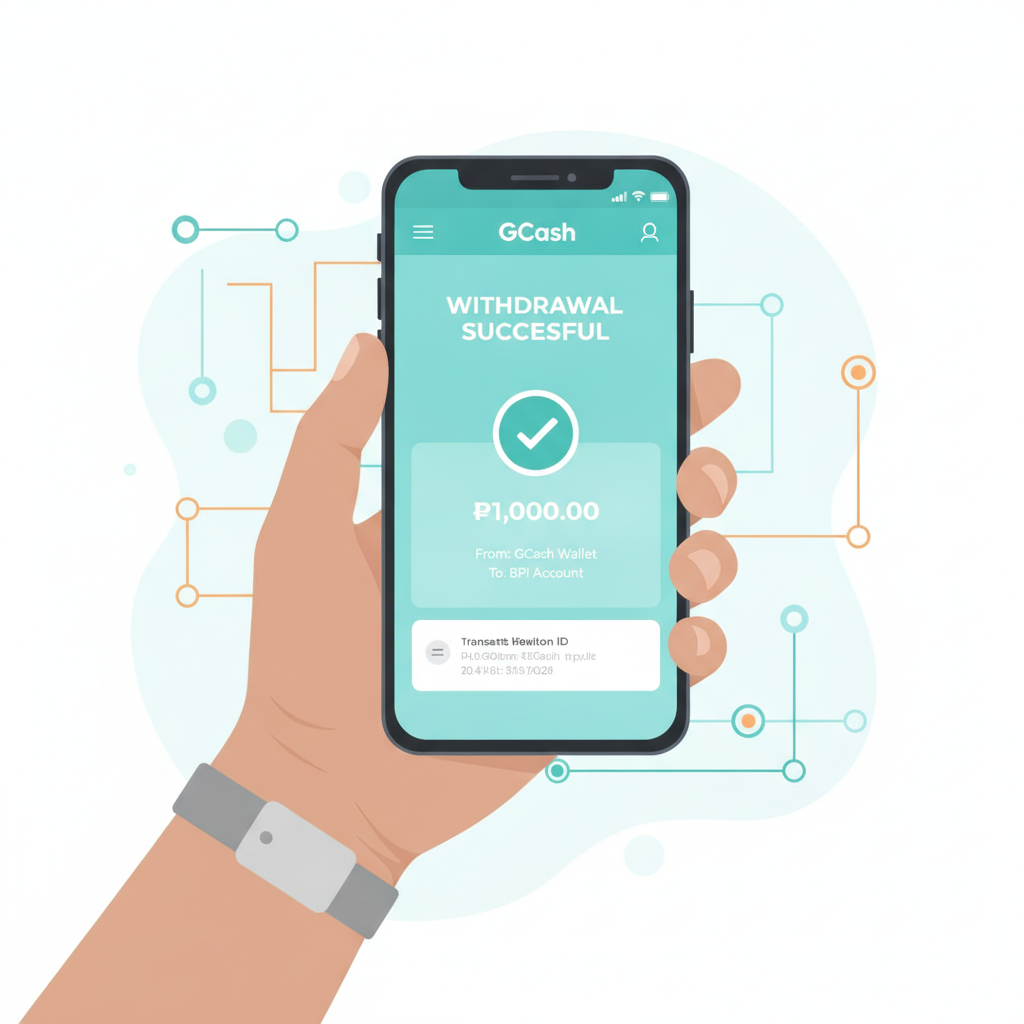
How to Request a Power Dragon Withdrawal to Your GCash Wallet
Power Dragon offers GCash as a withdrawal method for Filipino players who want to cash out their winnings quickly. The process mirrors the deposit flow but requires account verification before your first cashout.
Before You Start
Make sure your Power Dragon account is fully verified. The platform will ask for a government-issued ID (UMID, driver's license, or passport) and sometimes a selfie or proof of address before approving withdrawals. If you deposited using GCash, you must withdraw to the same GCash account registered in your name.
Step-by-Step GCash Cashout Instructions
- Log in to your Power Dragon account on mobile or desktop.
- Navigate to the Cashier or Withdraw section, usually found in the account menu or wallet icon.
- Select GCash from the list of withdrawal methods.
- Enter the GCash mobile number linked to your account. This must match the number you used for deposits.
- Type the amount you want to withdraw in Philippine pesos. Stay within the minimum and maximum limits (covered below).
- Review the details, then tap Submit or Confirm Withdrawal.
- You'll see a confirmation message or reference number. Keep this for your records.
Power Dragon will process the request internally before releasing funds to your GCash wallet. Most GCash withdrawals appear within a few hours, but timelines vary depending on verification status and withdrawal volume.
Minimum and Maximum GCash Cashout Limits
Power Dragon sets its own limits for GCash withdrawals. These figures can change, so check the cashier page for the latest numbers, but typical ranges are:
- Minimum withdrawal: PHP 100 or PHP 200
- Maximum per transaction: PHP 10,000 to PHP 50,000
- Daily limit: PHP 50,000 to PHP 100,000
- Monthly limit: may apply for larger cashouts
If you need to withdraw more than the single-transaction cap, break it into multiple requests across different days. VIP or high-roller accounts sometimes enjoy higher limits; contact Power Dragon support to confirm your tier.
GCash Wallet Limits
GCash itself enforces receive limits based on your verification level:
- Unverified (GCash Lite): PHP 100,000 total wallet balance, limited incoming transfers
- Semi-verified: PHP 100,000 monthly incoming limit
- Fully verified: PHP 500,000 monthly incoming limit
Upgrade your GCash account to fully verified by submitting a valid ID inside the GCash app. This prevents rejected transfers when Power Dragon tries to send larger amounts.
Fees Charged by Power Dragon or GCash
Power Dragon typically does not charge a fee for GCash withdrawals, but promotional terms or account status may introduce a charge in some cases. Always review the withdrawal confirmation screen before submitting—any fee will be displayed there.
GCash does not charge a fee to receive money from online casinos or sportsbooks. The full amount sent by Power Dragon should land in your wallet.
When Fees Might Apply
- Inactive account fees: Some operators deduct a monthly charge if your account has funds but no activity for 90 days or more.
- Currency conversion: Power Dragon operates in PHP, so this is not an issue for Filipino players.
- Bonus abuse penalties: Withdrawing before meeting wagering requirements may forfeit bonus funds or trigger restrictions.
If you see an unexpected deduction, check your Power Dragon transaction history or contact support for a breakdown.
What to Do If Your GCash Withdrawal Is Pending or Rejected
Pending Withdrawals
A "pending" status means Power Dragon is reviewing the request. Common reasons for delays include:
- First-time cashout: Initial withdrawals take longer because of identity checks.
- Large amount: Requests above PHP 20,000 may trigger manual review.
- Bonus wagering incomplete: If you claimed a deposit bonus, you must meet the rollover requirement before cashing out.
- Peak hours: Weekends and evenings see higher volumes; processing can take 24–48 hours.
What to do: Wait 24 hours. If the status does not change, open the live chat or send an email to Power Dragon support with your withdrawal reference number and registered mobile number.
Rejected Withdrawals
A rejected or failed GCash withdrawal usually returns funds to your Power Dragon wallet. Common causes:
- GCash number mismatch: The number you entered does not match your deposit method or account name.
- Unverified account: You skipped the ID upload step.
- GCash wallet at capacity: Your GCash balance is close to the PHP 100,000 or PHP 500,000 limit.
- Incorrect details: Typo in the mobile number or amount exceeds limits.
How to fix it:
- Log in to Power Dragon and check your wallet balance—the rejected amount should be credited back.
- Double-check your GCash mobile number in your Power Dragon profile.
- Verify your GCash account is fully verified and has room for the incoming transfer.
- Resubmit the withdrawal with the correct details.
- If the problem repeats, contact Power Dragon support and share a screenshot of the error message.
Escalating to Support
Power Dragon offers live chat (usually 24/7) and email support. Have ready:
- Your registered mobile number or player ID
- Withdrawal reference number
- Screenshot of the pending or rejected notice
- Copy of your GCash transaction history if relevant
Support can confirm whether the issue is on Power Dragon's side (verification, compliance) or GCash's side (wallet limits, technical error).
Power Dragon GCash Withdrawal Time
Once Power Dragon approves your request, GCash transfers are typically instant to 24 hours. The total timeline depends on:
- Account verification status: Verified users see faster approvals.
- Withdrawal amount: Requests under PHP 5,000 often clear within hours; larger sums take longer.
- Time of request: Submissions late at night or on weekends may wait until the next business day.
- Payment processor uptime: Rare technical issues on GCash or the payment gateway can add hours.
Most Filipino players report receiving Power Dragon GCash withdrawals within 12 hours during weekdays. If your cashout is still pending after 48 hours, reach out to support.
Tips for Smooth GCash Cashouts
- Use the same GCash number you used to deposit. Switching numbers raises red flags and delays verification.
- Complete account verification early. Upload your ID right after your first deposit, not when you're ready to withdraw.
- Check GCash limits before requesting a large cashout. Upgrade to fully verified if needed.
- Avoid micro-withdrawals. Cashing out PHP 50 multiple times a day can trigger compliance reviews.
- Read bonus terms. If you claimed a welcome or reload offer, confirm you've met the wagering requirement before withdrawing.
Alternative Withdrawal Methods
If GCash is unavailable or you hit daily limits, Power Dragon supports other options for Filipino players:
- Maya (formerly PayMaya): Similar process and speed to GCash.
- Bank transfer via InstaPay: Real-time to same-day delivery; requires your bank account number.
- Bank transfer via PESONet: Takes 1–2 business days; good for larger amounts.
Each method has its own limits and verification steps. GCash remains the most popular choice for quick cashouts under PHP 10,000.
21+ Only – Gamble Responsibly
Power Dragon is for players aged 21 and over. Online gambling should be entertainment, not a way to make money. Set a budget before you play, never chase losses, and take breaks if betting feels stressful. If you or someone you know needs support, contact the National Council on Problem Gambling or use Power Dragon's self-exclusion and deposit-limit tools.