Power Dragon Withdrawal Failed or Pending: Why and How to Fix It
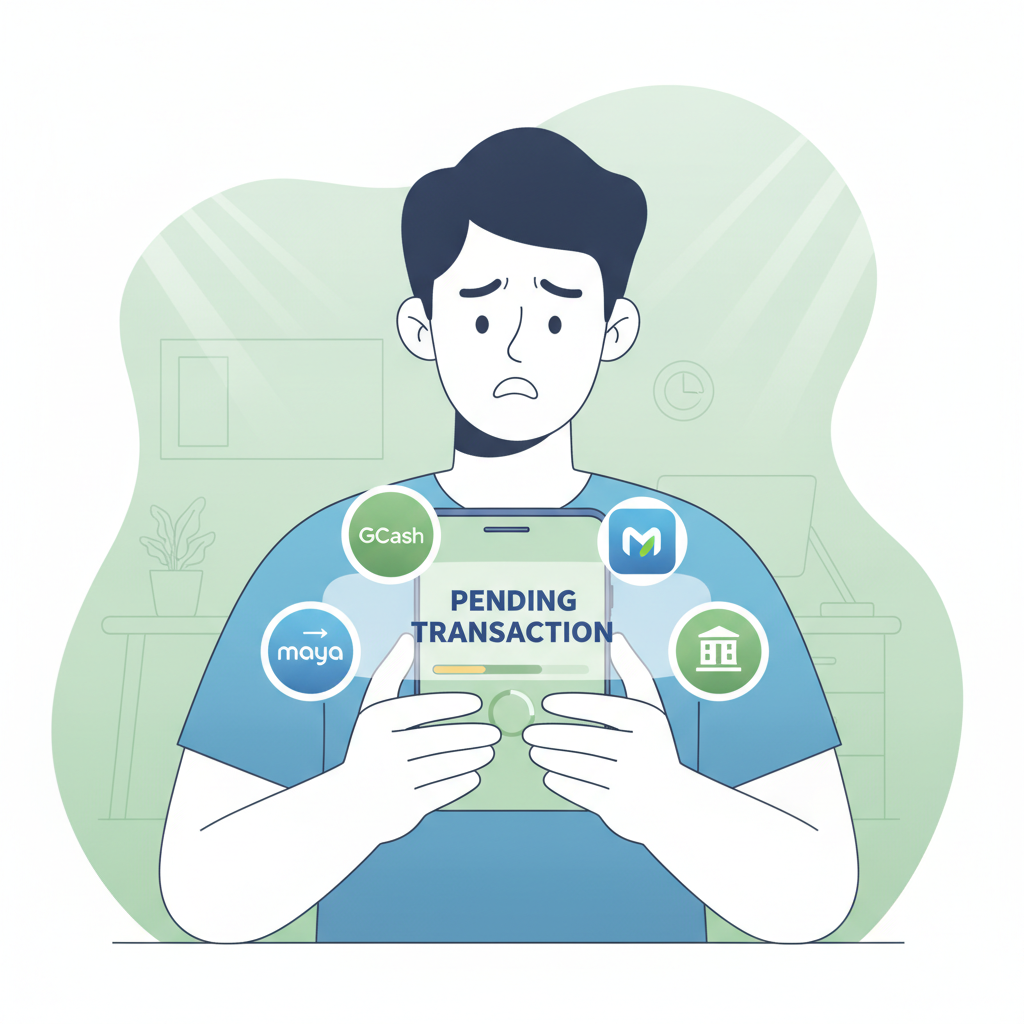
Power Dragon Withdrawal Failed or Pending: Why and How to Fix It
Trying to cash out from Power Dragon only to see your withdrawal rejected or stuck in pending status can be frustrating. This guide walks through the most common reasons a Power Dragon withdrawal fails, how to check what went wrong, and the exact steps to fix it so your money reaches GCash, Maya, or your bank account.
21+ only. Withdraw only what you can afford, and never chase losses.
Reasons a Power Dragon Cashout Gets Rejected
Power Dragon cashouts can fail for several reasons. Understanding which applies to your situation will save time when you retry.
Unverified Account
Power Dragon requires identity verification before processing most withdrawals. If you skipped the verification step during registration or haven't uploaded a valid government ID yet, your cashout will be rejected automatically.
Check your email for a message from Power Dragon asking you to submit documents. Accepted IDs typically include a Philippine passport, driver's license, UMID, postal ID, or voter's ID. Some players also need to submit a selfie holding the ID or proof of address such as a recent utility bill.
Until verification is complete—usually within 24 to 72 hours—any withdrawal request will remain pending or cancelled.
Wrong Payment Details
A mismatch between the GCash number, Maya account, or bank details you entered and the information on file is a frequent cause of failed Power Dragon withdrawals.
Common mistakes include:
- Entering an 11-digit mobile number with an extra zero or missing digit for GCash or Maya
- Selecting the wrong bank from the dropdown list
- Typing an incorrect account number or misspelling the account name for InstaPay or PESONet transfers
- Using a payment method that doesn't match the name on your verified Power Dragon account
Power Dragon will reject the withdrawal if the recipient name doesn't match your registered identity, a security measure to prevent fraud.
Incomplete Wagering or Bonus Turnover
If you claimed a deposit bonus, reload offer, or cashback before requesting a cashout, Power Dragon enforces wagering requirements. Trying to withdraw before meeting the rollover will result in a cancelled transaction.
Log in to your Power Dragon account and check the "Bonus" or "My Account" section for your current turnover progress. You'll see how much more you need to wager before the bonus balance converts to real, withdrawable cash.
Some players also trigger this issue by depositing, placing one or two bets, then immediately cashing out. Even without an active bonus, Power Dragon may require a minimum playthrough—often 1× your deposit—to comply with anti-money-laundering rules.
Duplicate or Overlapping Withdrawal Requests
Power Dragon processes one cashout at a time per player. If you submitted a second withdrawal request while the first is still pending, the newer request may be auto-rejected.
Wait until the first transaction is completed or cancelled before you try again.
Exceeded Daily or Weekly Withdrawal Limits
Most online casinos, including Power Dragon, impose maximum cashout amounts per day or per week. Limits vary by account status and VIP tier, but typical ranges are PHP 10,000 to PHP 50,000 per day for standard players.
If your withdrawal amount exceeds your limit, you'll need to split it into smaller requests over multiple days.
How to Check if Your Withdrawal Is Still Pending or Already Cancelled
Knowing the current status of your cashout helps you decide whether to wait, retry, or contact support.
Step 1: Log In and Open Transaction History
On the Power Dragon app or mobile site, tap the menu icon (usually three lines or a profile avatar) and select Transaction History, My Transactions, or Cashier History. The exact label varies by app version.
Step 2: Look for Your Withdrawal Entry
Find the row showing your cashout request. Power Dragon displays:
- Date and time of the request
- Amount in PHP
- Payment method (GCash, Maya, InstaPay, PESONet)
- Status: Pending, Processing, Completed, or Cancelled
Pending means Power Dragon has received your request but hasn't approved it yet. This can take anywhere from a few minutes to 24 hours depending on verification queue and payment method.
Processing indicates approval and the funds are being transferred to GCash, Maya, or your bank. GCash and Maya withdrawals usually arrive within 5 to 30 minutes once processing; InstaPay bank transfers take up to 24 hours; PESONet can take 1 to 3 banking days.
Cancelled or Rejected means the transaction failed. Power Dragon may display a brief reason—common notes include "Verification required," "Invalid details," or "Bonus turnover incomplete."
Completed confirms the money left Power Dragon's system. If you don't see it in your GCash, Maya, or bank account yet, the delay is on the payment provider's side.
Step 3: Check Email and In-App Notifications
Power Dragon often sends an email or push notification explaining why a withdrawal was cancelled. Look in your inbox (and spam folder) for messages from Power Dragon support.
Steps to Retry a Failed Withdrawal or Update Payment Details
Once you know why your cashout failed, follow these steps to fix the issue and resubmit.
If Verification Is Missing
- Log in to Power Dragon and go to Account Settings or Verification.
- Upload clear photos of your government ID—front and back—and any additional documents requested (selfie, proof of address).
- Wait for email confirmation that your account is verified, typically 24 to 72 hours.
- Once approved, submit your withdrawal request again.
If Payment Details Were Wrong
- Go to Cashier or Withdraw in the Power Dragon app.
- Double-check the GCash or Maya mobile number: it should be 11 digits starting with 09.
- For bank transfers, confirm you selected the correct bank name, entered your account number without spaces or dashes, and spelled your account name exactly as it appears on your bank record.
- If you need to update saved payment details, look for Manage Payment Methods or Edit Withdrawal Account in settings. Some players must contact Power Dragon support via live chat to change the registered e-wallet number or bank account.
- Submit a new withdrawal request with the corrected information.
If Wagering Is Incomplete
- Check your bonus balance and turnover progress in My Account or Bonus History.
- Continue playing slots, live dealer games, or placing sports bets until you meet the required rollover. (Note: not all game types contribute equally—slots usually count 100%, while some table games count less.)
- Once turnover is complete, the bonus converts to cash and you can withdraw.
Alternatively, some players choose to forfeit the bonus. Look for a Cancel Bonus or Forfeit button in the bonus section. Forfeiting removes both the bonus funds and any winnings derived from them, but frees your deposit for immediate withdrawal if it has met the minimum playthrough.
If You Hit a Withdrawal Limit
- Check your daily or weekly limit in Account Settings or by asking live chat support.
- Request a smaller amount that fits within your current limit.
- Schedule additional withdrawal requests for the following day or week until you've cashed out the full balance.
VIP or high-roller accounts may qualify for increased limits—contact Power Dragon support to inquire.
How Long to Wait Before Contacting Support
Patience can resolve many "pending" withdrawals without support intervention. Here's a practical timeline:
- GCash and Maya withdrawals: Wait 30 minutes after status changes to "Processing." If the money hasn't appeared in your e-wallet after 30 minutes, contact support.
- InstaPay bank transfers: Allow 24 hours. InstaPay is marketed as near-instant, but some banks process incoming credits in batches.
- PESONet bank transfers: Wait 3 full banking days (excluding weekends and Philippine holidays). PESONet operates on a next-day settlement cycle, and delays are common.
- Pending status with no update: If your request sits in "Pending" for more than 24 hours without moving to "Processing" or "Cancelled," reach out to Power Dragon support for a status check.
When you do contact support, have your transaction ID, registered mobile number or email, and the exact date and time of the withdrawal request ready. Screenshots of the transaction history screen speed up troubleshooting.
Power Dragon typically offers live chat in the app or on the mobile site, plus email support. Live chat is faster for urgent cashout issues.
Withdraw Responsibly
Cashouts should reflect winnings you're comfortable taking out of play. If you find yourself repeatedly cancelling withdrawals to keep betting, or feeling anxious when a cashout is delayed, consider setting a withdrawal schedule or using Power Dragon's responsible-gambling tools such as deposit limits or self-exclusion.
This is an independent guide. Power Dragon is a separate entity. For official help, always contact Power Dragon support directly.
21+ only. Gambling can be addictive. If you or someone you know needs help, contact the National Center for Mental Health crisis line at (02) 7-989-8727 or seek local support resources.
By identifying the reason for a failed or pending Power Dragon withdrawal and following the steps above—verifying your account, correcting payment details, completing wagering, or adjusting your request size—you can resolve most cashout problems and get your PHP winnings into GCash, Maya, or your bank account without unnecessary delays.